Real Time Spend Reporting & Analytics: Pulse by Mobilexpense

pulse

Turn spend insights into smarter decisions

See spend and workflow health in one place, so you can act faster. 
Book a demoSee how it works
TOF Visual_Pulse

Trusted by 3,000+ European companies to manage spend

Better visibility

Understand how your business is spending money in real time. 

Better control

Catch bottlenecks before they slow approvals or delay month-end.

One place for complete spend visibility. Meet Pulse.

See how Pulse brings spend and workflow insights together


See the full picture with Pulse by Mobilexpense Declaree

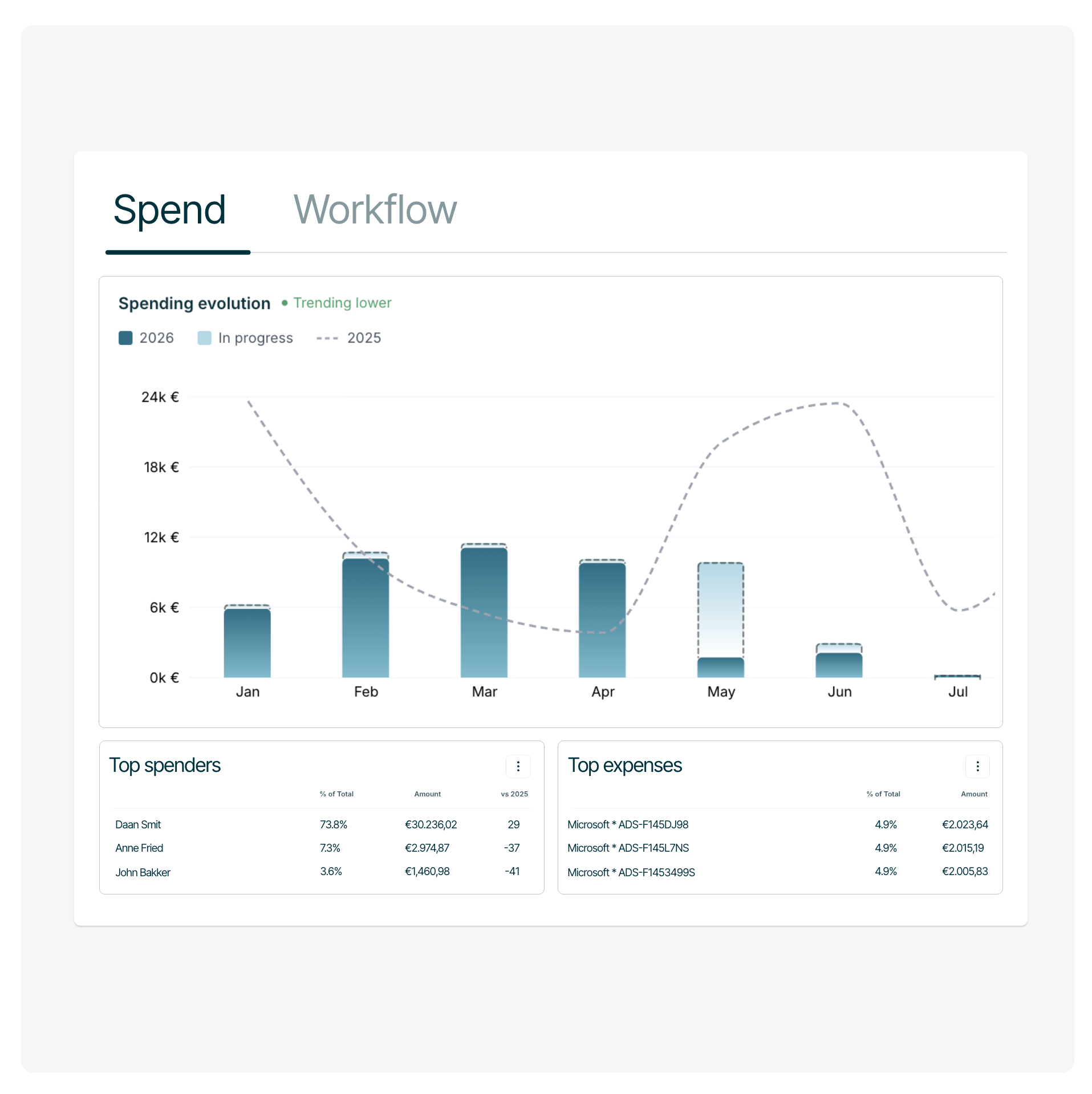
Know where your
money is going

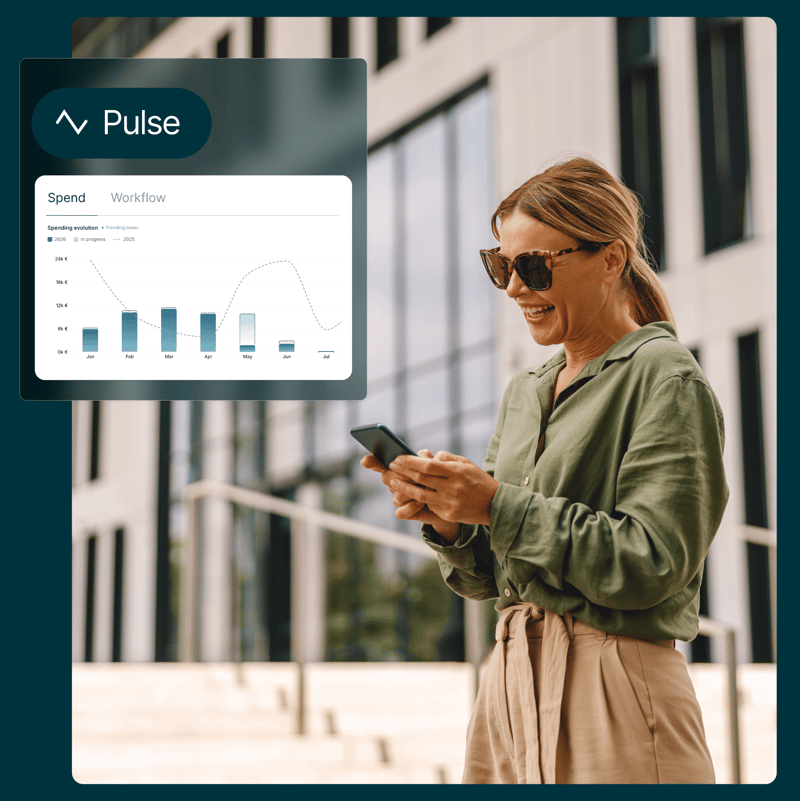
Track company spend in real time with live insights into employees, categories, expenses, and spending trends.

  • Compare periods instantly
  • Monitor committed and in-progress spend
  • Forecast period-end spending


Spend Still

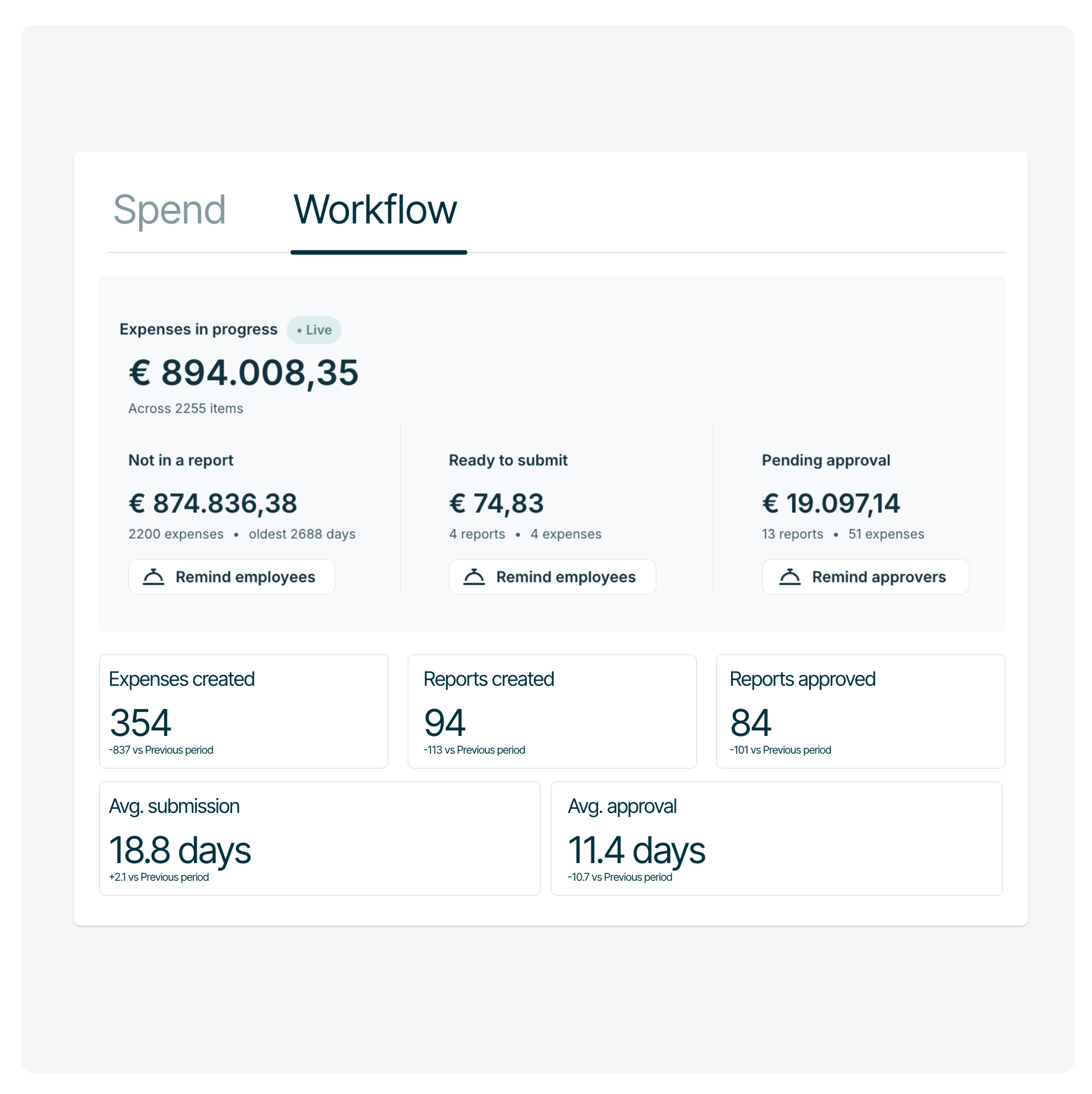
See what's slowing your expense process

Find bottlenecks before they become month-end problems

  • Spot reports waiting for submission
  • See approvals that are stuck
  • Monitor average submission and approval times

Bottleneck detected

Take actions without leaving the dashboard

When expenses stop moving, remind employees or approvers in just a few clicks

  • Send reminders to employees
  • Email and mobile push notifications
  • No manual follow-up required
Pulse Remind emplyees

Built for finance teams

Pulse gives finance managers the visibility they need without changing a single expense.

  • Read only dashboard
  • Real-time insights
  • CSV and PDF exports
Workflow still

Discover other key features for effortless spend management

Used, loved, recommended by customers

What using Mobilexpense is really like

"Declaree is super user-friendly. Without any training our employees were able to start expensing instantly. The OCR is super fast and captures all receipt data even when the app is offline."

Danny S.
Financial assistant to CFO
"The end users find the application very intuitive and easy to use. (...) For our Finance department, the Declaree approval flow enables them to be in control of the expense claim process."
Verified User
Mechanical or Industrial Engineering
"It is a really convenient tool to use and create reports to group your declarations all together. The integration of the mobile phone application and the webtool also works fine."
Vincent P.
Assistant professor
"It's a really simple app that you can tailor to an individual, setting up defaults for currency and project they are working on. Simple to take a photo of your receipts on your phone and submit expense reports."

Verified User
Mechanical or Industrial Engineering
Demo

Get a tailored product walkthrough 

  • A tailored walkthrough built around your company’s workflows and approval setup.

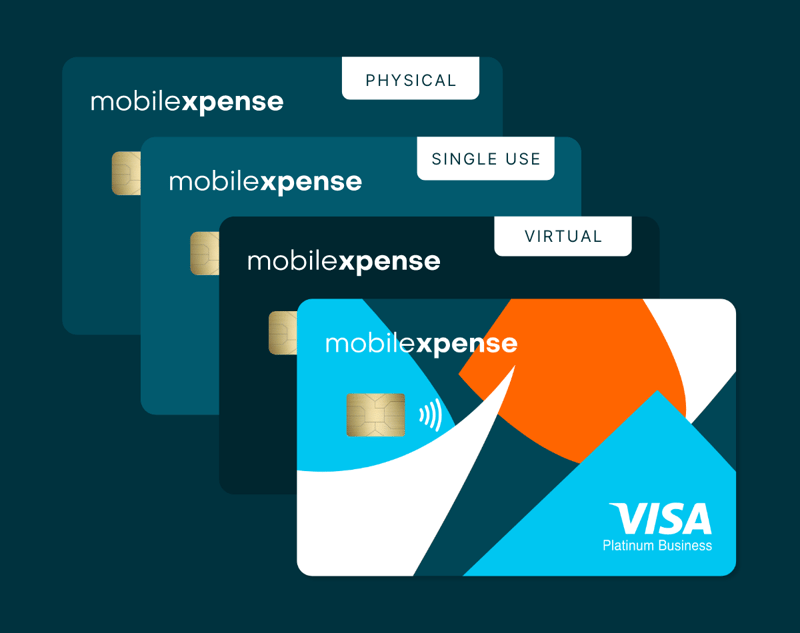
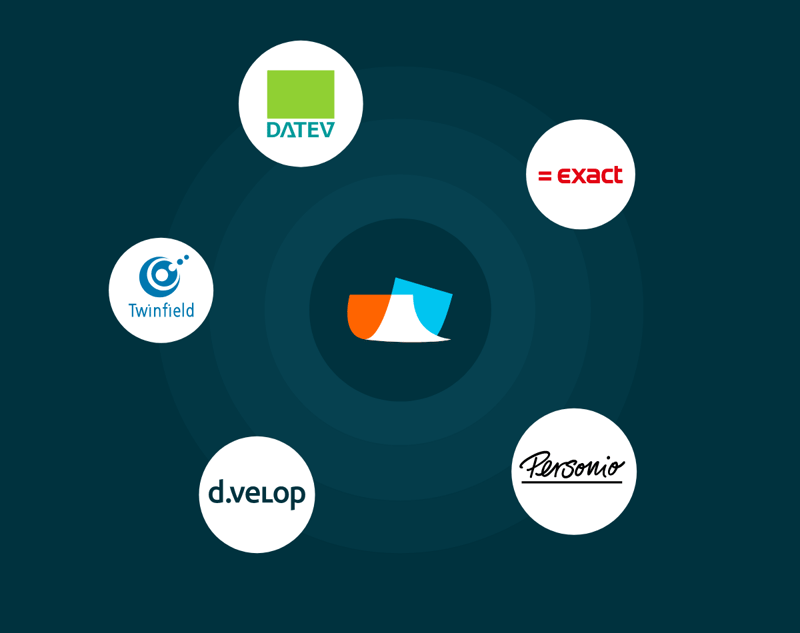
  • Get expert guidance on integrating your ERP, HR, and card systems for a seamless flow.

  • Deliver impact from day one - save time, enforce policies automatically, and scale seamlessly.

Frequently asked questions

Who from my team can have access to Pulse?

Pulse is available to Admins only. It's based on the organisation you're logged into, so you only see data relevant to your company.

Is Pulse real-time?
Yes, all data updates in real time. The Workflow tab includes a Live indicator so you always know the figures are current.
What time periods can I view with the pulse dashboard?

You can choose from This Month, This Quarter, Last 6 Months, or This Year, and compare against either the previous period or the same period last year. Your selection applies across both the Spend and Workflow tabs.

How is the Projected month-end figure calculated?

It combines your committed spend so far, spend currently in progress, and an estimate of expenses yet to be created. This is based on your average daily spend from the last 30 days multiplied by the remaining days in the period.

Can I export data from Pulse?

Yes. You can export individual widgets to CSV, or export the full Pulse view as a PDF.

What are manual reminders and how are they different from automated ones?

Declaree already sends automated nightly reminders to employees and approvers. Manual reminders let finance managers send additional targeted nudges on demand, directly from Pulse, when they spot a bottleneck. Employees can receive both on the same day.