Real-time controls for every expense workflow
Built-in controls automate approvals, policy checks, and expense workflows to reduce repetitive finance admin.
Give your team a break from managing expenses manually
Missing receipts
Stop chasing employees for receipts and incomplete expense submissions.
Approval delays
Keep expense reports moving without manual follow-ups and approval bottlenecks.
Manual reviews
Reduce repetitive checking with policy controls built directly into the workflow.
Built into every step of the expense workflow
Apply rules, approvals and required data consistently across every expense workflow.
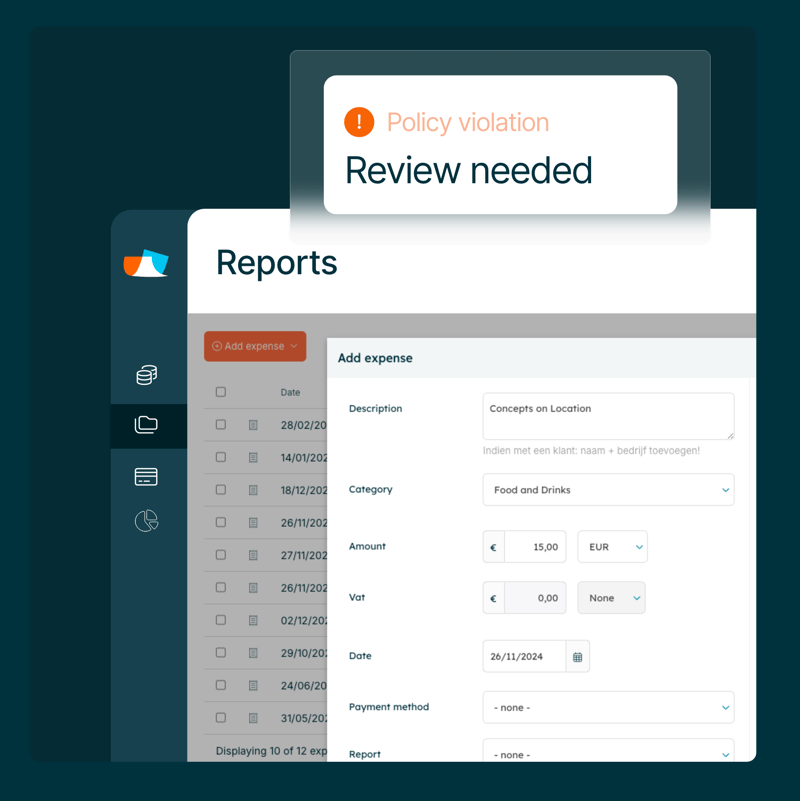
- Catch policy issues before they reach finance
- Keep approvals moving with automated workflows
- Capture complete and accurate expense data
- Adapt controls to your policies and workflows
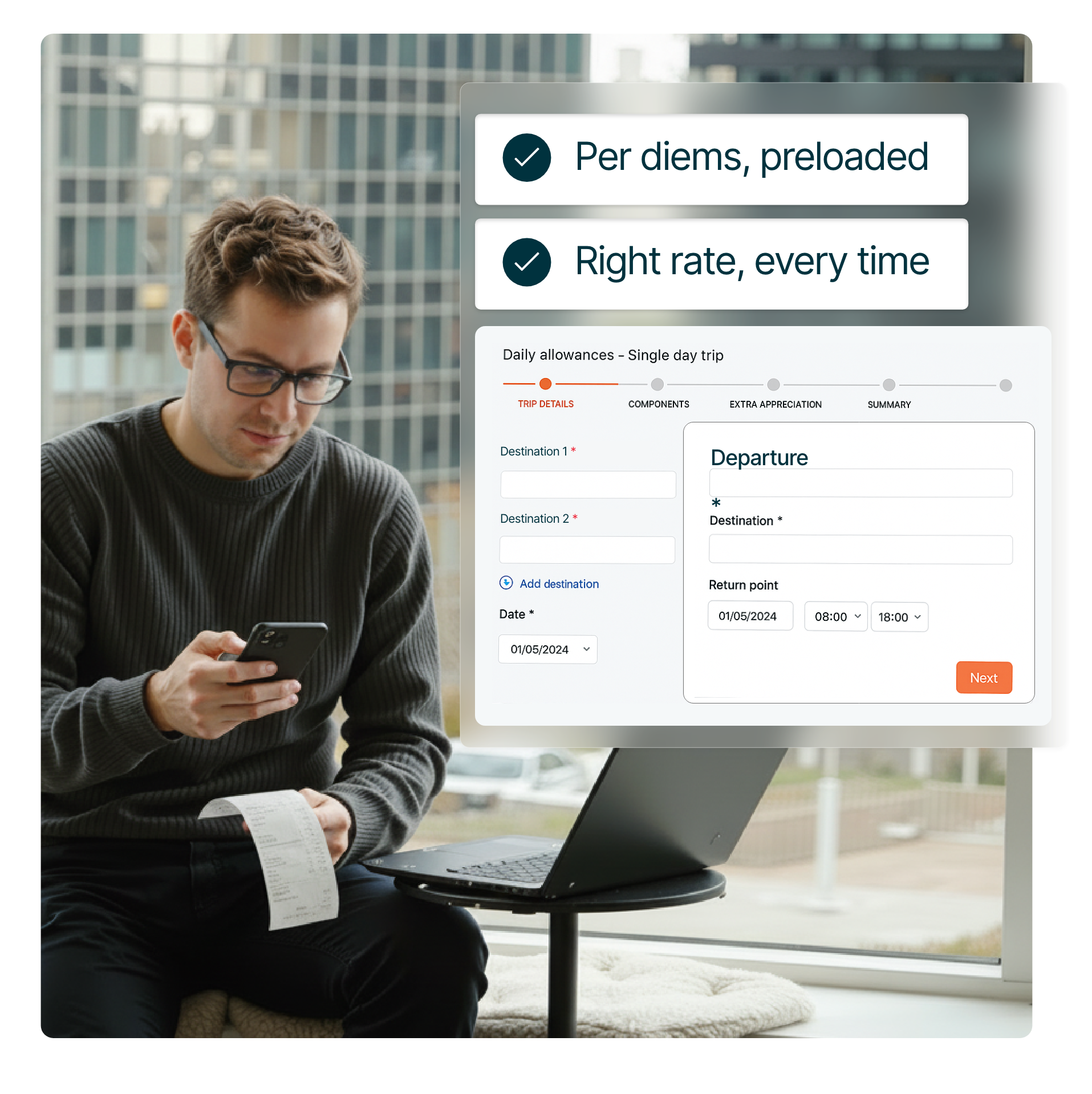
The right reimbursement, every time
Ensure mileage, per diems, and expense allowances are calculated consistently across every submission.
- Preloaded mileage and per diem rates
- Automatic allowance calculations
- Destination-based reimbursement rules
Take the guesswork out of reimbursements. Approved rates and local requirements are applied automatically.
How Declaree automates policy enforcement
Flexible controls
Easily adapt policies and approval workflows to suit your team.
Real-time alerts
Automatically flag out-of-policy expenses before they reach finance teams.
Approval workflows
Route expense reports to the right approvers based on your policies and structure.
Collect complete expense data
Reduce follow-ups by ensuring required information is captured from the start.
Full visibility
Track expense activity, approvals, and policy exceptions in one place.
Local policy support
Apply approved rates, allowances, and reimbursement rules automatically.
Imagine what you could do with more time
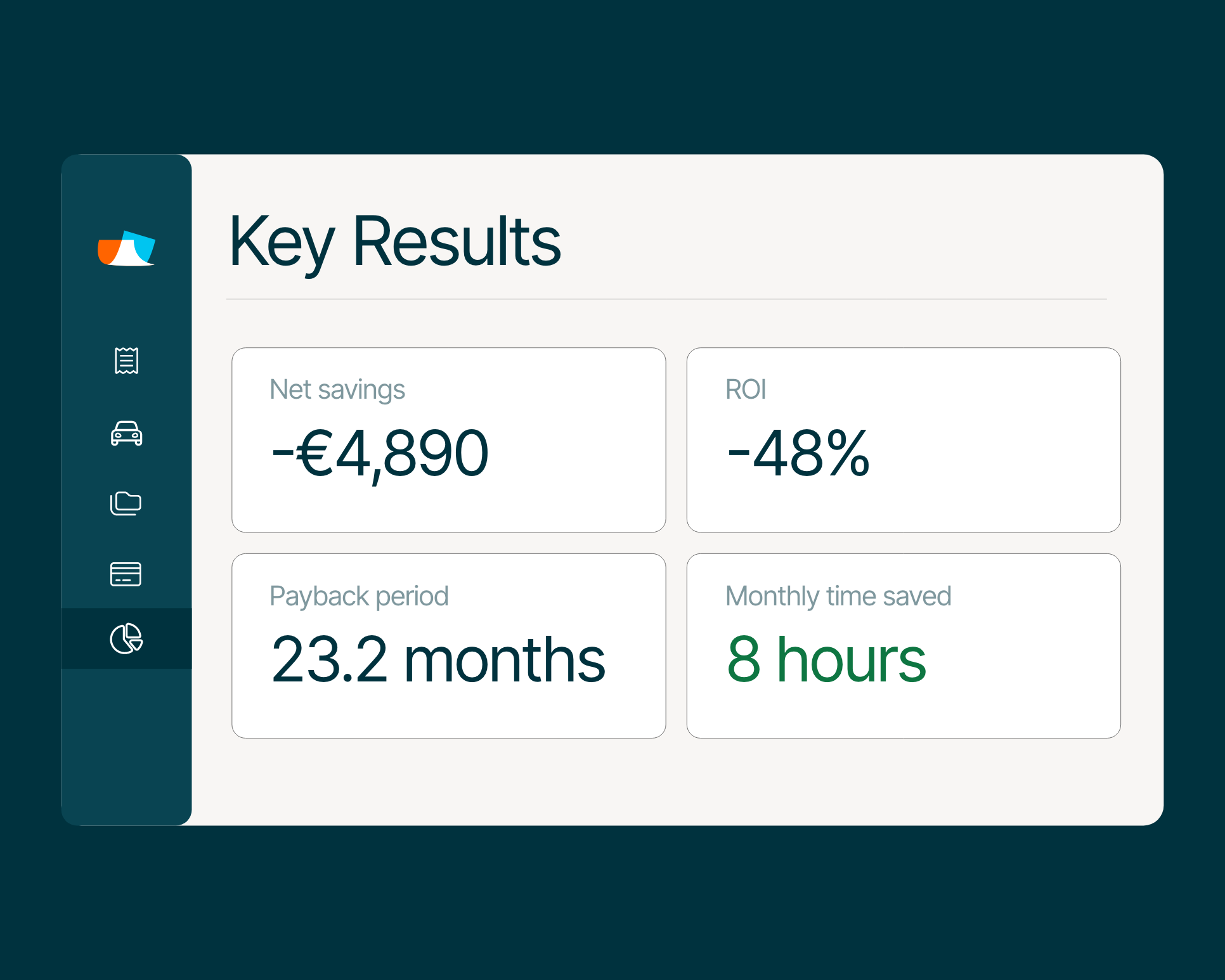
According to real customer stories, finance teams spend up to 50% less time managing expenses and 86% less time reconciling company cards.
"I can import expense reports in just a few minutes. It used to take hours"
Betty Bajec, HR and Payroll Administrator

"The app is very easy to understand. It’s really good."
Benjamin Zajonskowski, Project manager at RIL
"It takes half the time to have immediate insights of expenses"
Anna, Travel consultant and office manager at Kaaiman Reizen

Policy enforcement in four simple steps
Easily configure the rules, approvals, and requirements that matter most, then let every expense follow the right process automatically.
Define your policies
Set the rules for expense submission, review, and categorisation.
Capture key details
Require receipts, cost centres, and project codes before submission.
Automate approvals
Route expense reports automatically based on policies and spend limits.
Apply controls in real time
Flag, warn, or block out-of-policy expenses before they reach finance.
Get a tailored product walkthrough
- A tailored walkthrough built around your company’s workflows and approval setup.
- Get expert guidance on integrating your ERP, HR, and card systems for a seamless flow.
- Deliver impact from day one - save time, enforce policies automatically, and scale seamlessly.
Frequently asked questions
An expense policy defines what employees can and can’t claim, helping your business control costs, ensure compliance, and avoid unnecessary spending. With Mobilexpense, your policy is embedded directly into the system.
You first define a set of rules and Mobilexpense enforces at the point of submission. Expenses that don’t match your company’s policy are automatically flagged by blocking them from being submitted, so employees know immediately what’s allowed.
Yes. Mobilexpense automates policy enforcement with built-in controls, customised per team, region, or role. This reduces the need for manual reviews and speeds up approvals, without compromising on accuracy.
Yes. You can require employees to provide the information your policies need before an expense can be submitted. This can include receipts, project codes, cost centres, mileage details, and other supporting information, helping reduce follow-ups and ensuring finance teams receive complete submissions from the start.
Mobilexpense provides visual signals (⚠️) that show where and how policy violations occur. This visibility helps finance teams identify trends, adjust policies if needed, and keep spend under control.
Mobilexpense stays up to date with local tax laws, per diem rates, and legal requirements, so your global teams can submit compliant claims and save time on back-and-forths.
The desktop and mobile app guides users through the process with in-policy suggestions and defined rules, AI receipt scanning, and clear warnings for anything out of bounds.
Out-of-policy expenses can be flagged automatically based on the rules you define. Employees receive immediate feedback, allowing issues to be corrected before expenses reach finance teams. This helps reduce manual reviews and keeps expense workflows moving.