Travel Expense Management Software | Mobilexpense MXP

Travel management that automates and scales

MXP brings business travel and expenses together for employees, travel managers and finance teams, from the moment a trip is booked to the moment it's reimbursed. 

Contact sales
Employee tracks travel expenses in mobile expense app

Here's how MXP helps Travel Managers 

Form the perfect power duo: pair your corporate travel manager with the best expense solution 

Integrate with your booking tool: Whether through a native TMC integration or API, MXP receives confirmed booking data and automatically creates a Travel Request with the associated expense report ready to go

Automated approval workflows: Pre-trip approvals can run through MXP's configurable workflows or stay within your connected TMC or booking tool, whichever fits your business.  

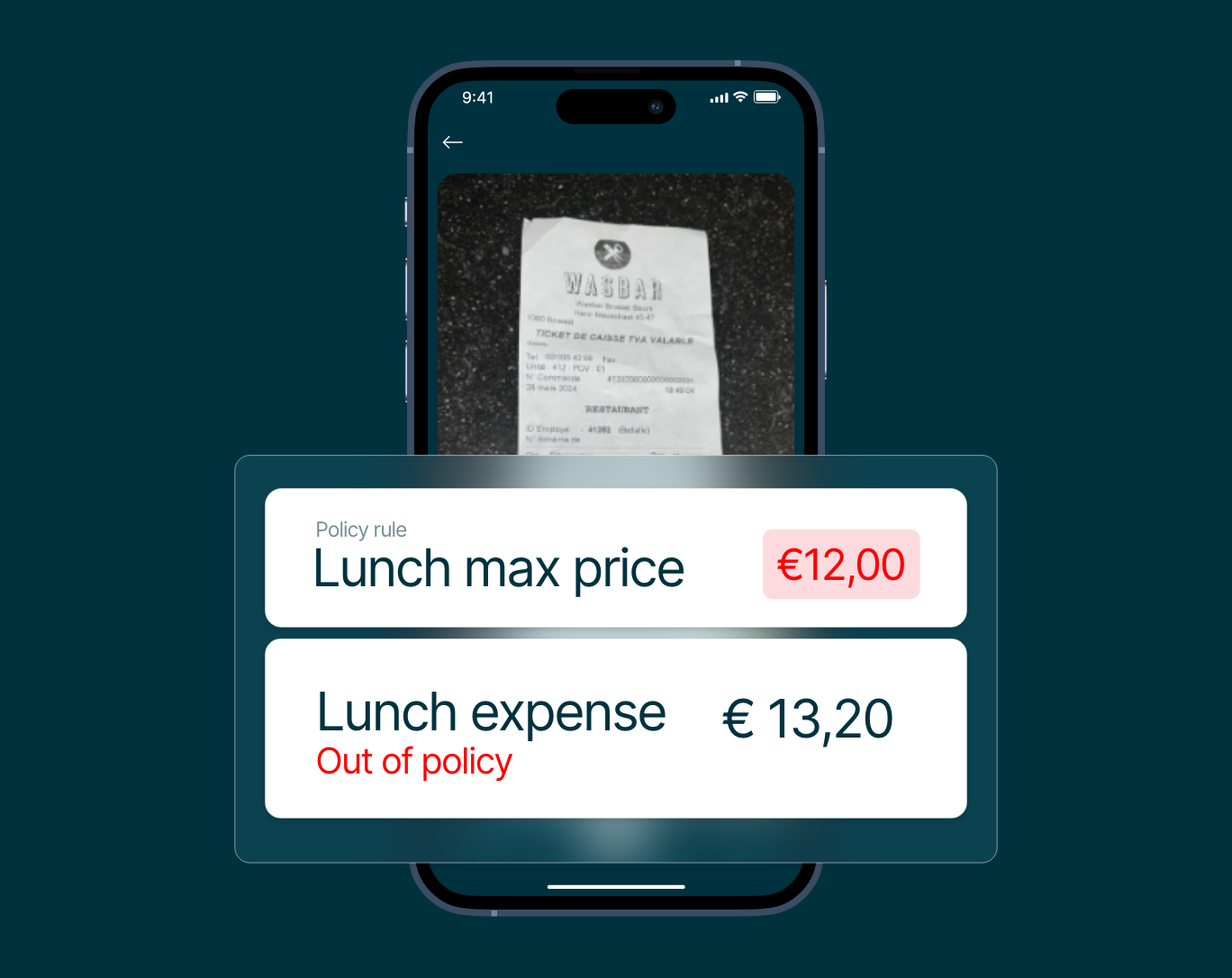
Travel policy compliance and enforcement: Ensure every expense submission follows company rules and tax laws. Flag out-of-policy spend before it’s reimbursed.

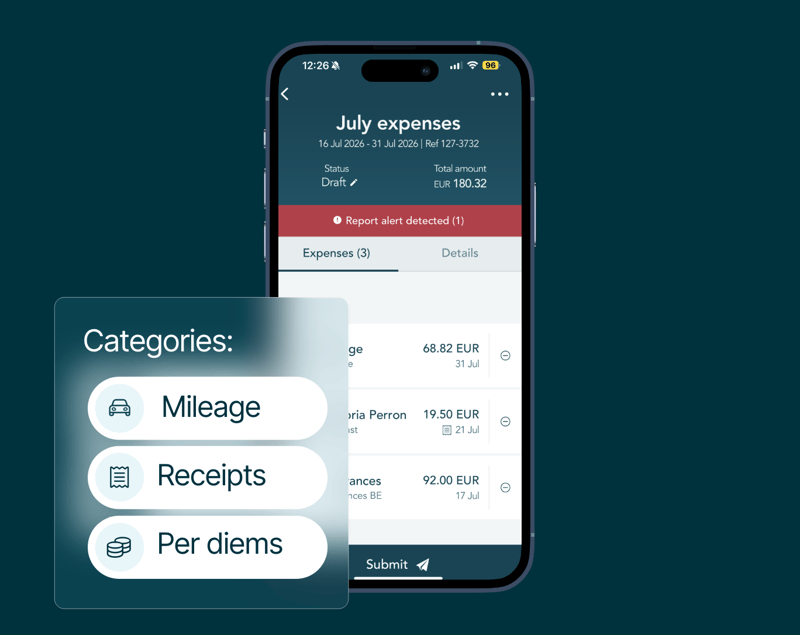
Business employee records hotel and flight expenses in app
“The primary benefits lies in obtaining a consolidated overview of our global travel expenditure.”

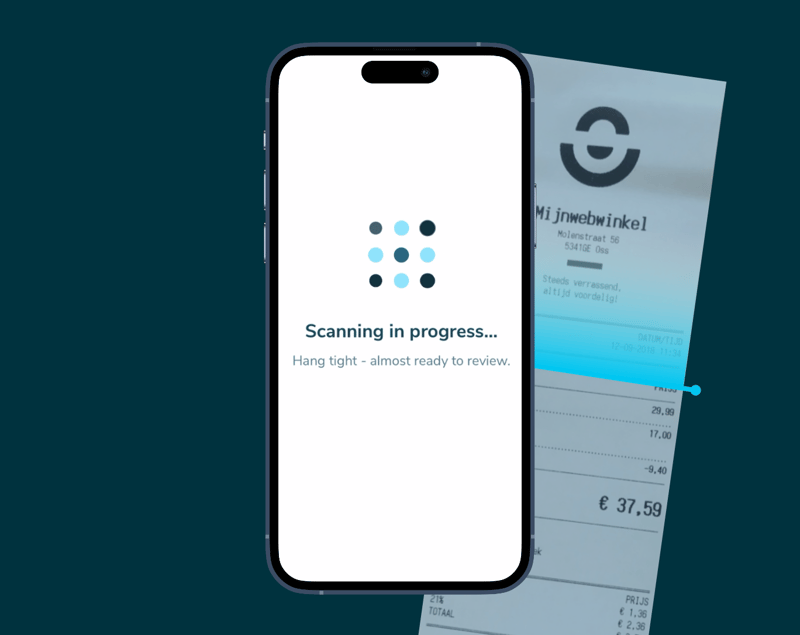
 Capture expenses the moment they happen 

Bring your systems together 

Spend less time reconciling and more time making decisions Whether it’s your ERP, accounting software, HR system or travel provider,  our smart integrations keep it in sync:
  • Connect your existing tools with minimal IT involvement and no disruptions to daily work.
  • Automatically sync expenses, budgets and employee data across systems.
  • Save time on manual tasks and get clearer insight.
[Solution] MXP SSO

Built for enterprise organisations that operate across borders

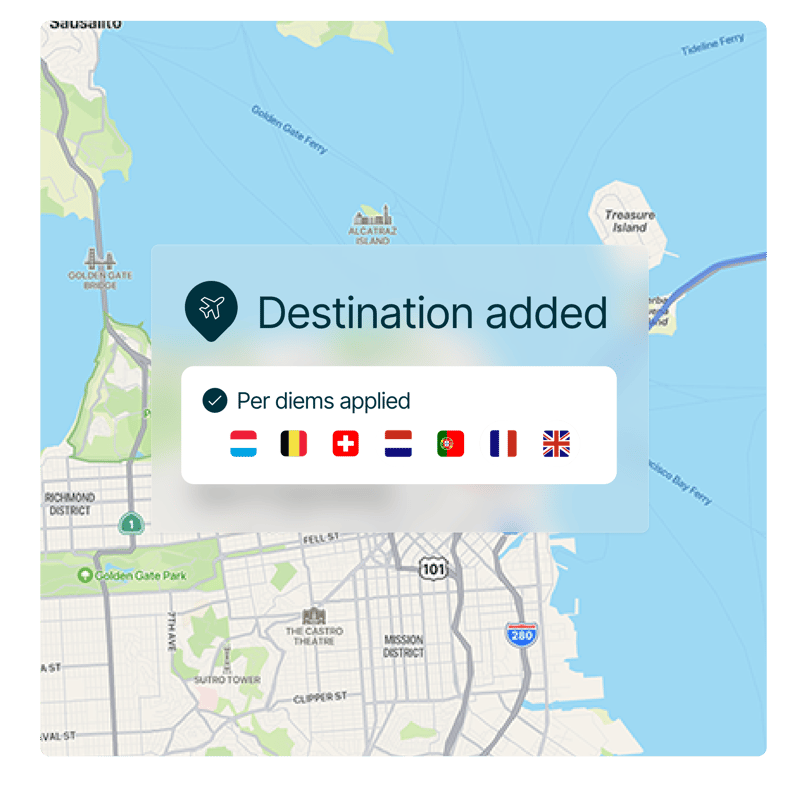
Mobilexpense supports multi-entity operations across 70+ countries, standardising approval flows, travel policies, and reimbursement rules globally, while keeping every local market compliant.
  • Local and regional compliance for global travel.
  • Multi-entity setup with shared workflows.
  • Cross-border reporting and audit readiness.
  • Scalable infrastructure to grow with your business
MXP App
Making global compliance easier for customers

Frequently asked questions

Can travel data (e.g. flight, hotel, car rental bookings) be automatically imported into MXP?

Mobilexpense can automatically capture and import:

  • Flight bookings
  • Hotel reservations
  • Car rental bookings
  • Train tickets (in some setups)

How it works:

There are a few common ways this happens:

  1. Travel management system integration: Mobilexpense can integrate with your company’s travel booking tool or TMC (Travel Management Company). When employees book travel through the approved channels, the data is automatically synced with their expense report.
  2. Email parsing: Emails containing travel booking invoices (e.g., from Booking.com or airline carriers) sent to a designated email address (or the user’s inbox) can automatically be parsed to create draft expenses.
  3. APIs and direct feeds: For enterprise customers, Mobilexpense can receive travel data through APIs from providers such as Amadeus, Cytric, Concur Travel, or Egencia.
How does travel booking work with Mobilexpense?

Redirection to approved travel providers:

Employees are typically redirected to external, pre-approved travel booking platforms (such as Egencia, TravelPerk, or Cytric) via:

  • An SSO (single sign-on) link or embedded booking button
  • The company intranet or travel policy portal
  • A connected integration through the Mobilexpense Marketplace

Once the travel is booked, the details are automatically imported into Mobilexpense for reimbursement, reporting, or CO₂ tracking.

Does the Mobilexpense system allow employees to book travel within the platform, or redirect to approved travel providers?

Mobilexpense does not currently function as a travel booking tool itself. Instead, it integrates with approved travel providers or travel management companies (TMCs) to streamline the process.

How does corporate travel management integrate with an expense solution?

When integrated with an expense solution like Mobilexpense, CTM creates a seamless experience from booking to reimbursement. Here’s how:

1. Automatic itinerary import

Once an employee books through an approved travel tool:

  • Booking data flows into Mobilexpense via API or data feed
  • Expenses are pre-populated with dates, amounts, and vendor info
  • VAT, CO₂, and cost centres may also be added automatically

2. Expense report pre-filling

  • Travel-related expenses appear as draft expense lines
  • Employees can simply add receipts (if needed), make minor edits, and submit
  • No need to retype trip details

3. Compliance and approval workflows

  • Bookings are already policy-compliant from the start
  • Exceptions are flagged during both travel booking and expense submission
  • Managers and finance teams have visibility into the full lifecycle of spend

4. Cost control and sustainability

  • Finance can monitor spend before it happens (pre-trip approval)
  • Sustainability data (e.g. CO₂ emissions) is tracked for ESG reporting
  • Unused bookings or cancellations are easier to reconcile
Is there a way to sync travel itineraries directly with expense reports?

Mobilexpense allows automatic syncing of travel itineraries into users’ expense reports when integrated with supported travel platforms.

This means:

  • Flights, hotels, car rentals, and other booked items can be automatically converted into draft expense entries
  • Itinerary details such as dates, destinations, costs, and vendor names are pre-filled
  • Expense lines are tagged with cost centres, project codes, or policy info if configured

    Note: This depends on the travel booking provider you're integrated with.
What is corporate travel management?

Corporate travel management (CTM) refers to the planning, booking, and oversight of business travel for employees, using specific policies, tools, and service providers to ensure efficiency, cost control, and compliance.

When integrated with an expense management solution like Mobilexpense, CTM becomes a powerful system that streamlines the entire travel-and-expense (T&E) process from start to finish.

How does the MXP travel request work?

The Travel Request is the central record in MXP that connects travel approval, booking information and the associated expense report. Whether approval takes place in MXP or within your travel booking platform, the Travel Request provides a single source of truth throughout the travel lifecycle.

There are two ways a Travel Request can be created:

Approval in MXP

The traveller creates a Travel Request in MXP, which is routed through the customer's configured approval workflow. Approval workflows can be tailored to your organisational structure, entities and travel policies. Once approved, the request is sent to the connected Travel Management Company (TMC) or online booking tool. After the booking is confirmed, the booking details are synchronised back to MXP, updating the Travel Request and enabling the associated expense report to be created automatically.

Approval in your TMC or booking tool

If pre-trip approval takes place in your connected TMC or online booking tool, the request, approval and booking are managed there. Once the booking is approved or confirmed, the travel platform sends the booking information to MXP through a native integration or API. MXP automatically creates the Travel Request and, where configured, generates the related expense report for the traveller.

During and after the trip

Regardless of where the approval takes place, travellers can capture receipts and expenses throughout their trip using the MXP mobile app. Once complete, the expense report can be submitted for approval through either the MXP web application or mobile app.

Contact sales

Let’s talk about your spend management needs

Managing spend across multiple entities, systems and markets can be complex. Let’s talk about what you need and how we can help.

  • Discuss your current setup, challenges and business requirements.

  • Explore how Mobilexpense integrates with your existing finance and technology ecosystem.

  • Get expert guidance on implementation, policy control and scaling globally.