Travel Expense Management Software | Automate Travel | Expense Management

Travel expense management software that automates and scales 

Mobilexpense makes business travel easy for employees, travel managers, and finance teams with a user-friendly mobile app. 
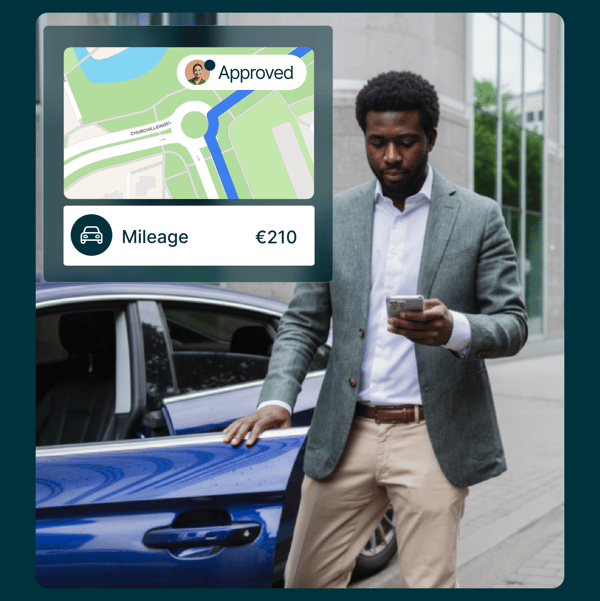
Employee tracks travel expenses in mobile expense app

Here's how Mobilexpense helps Travel Managers

Form the perfect power duo: Pair your corporate travel manager with the best expense solution

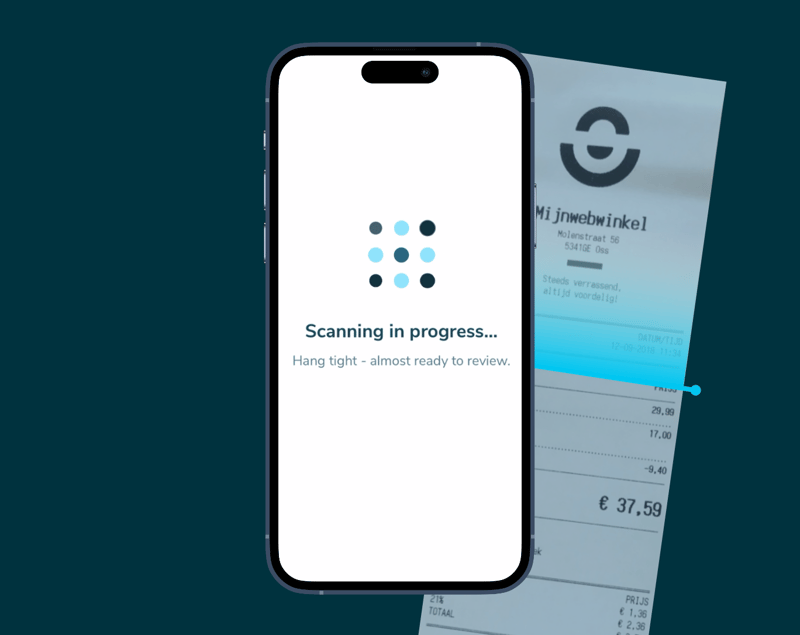
Declaree - AI receipt scanner

AI-powered receipt scanner for making travel simple

Meet our Declaree mobile app

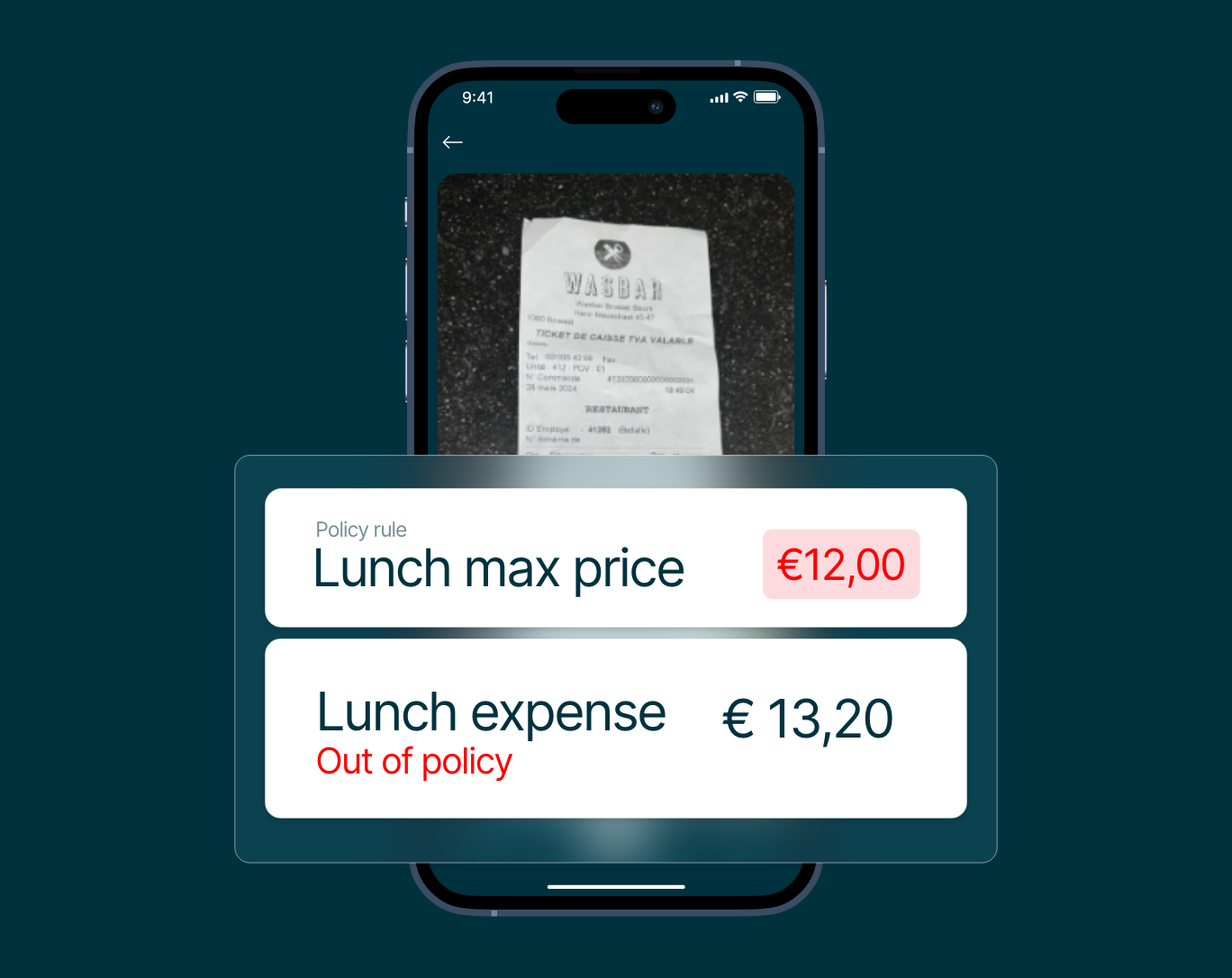
  • Deeply customisable real-time policy enforcement
    Flag out-of-policy expenses before submission based on custom field variables.

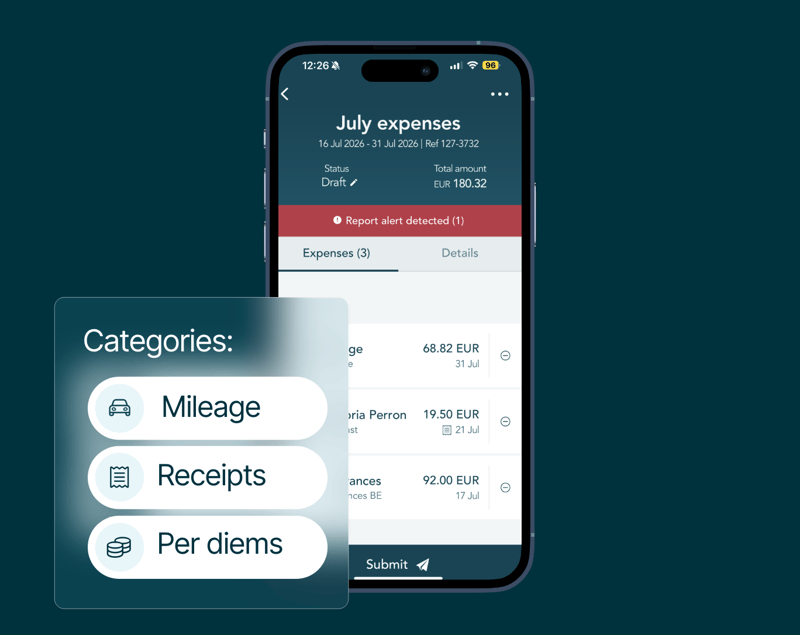
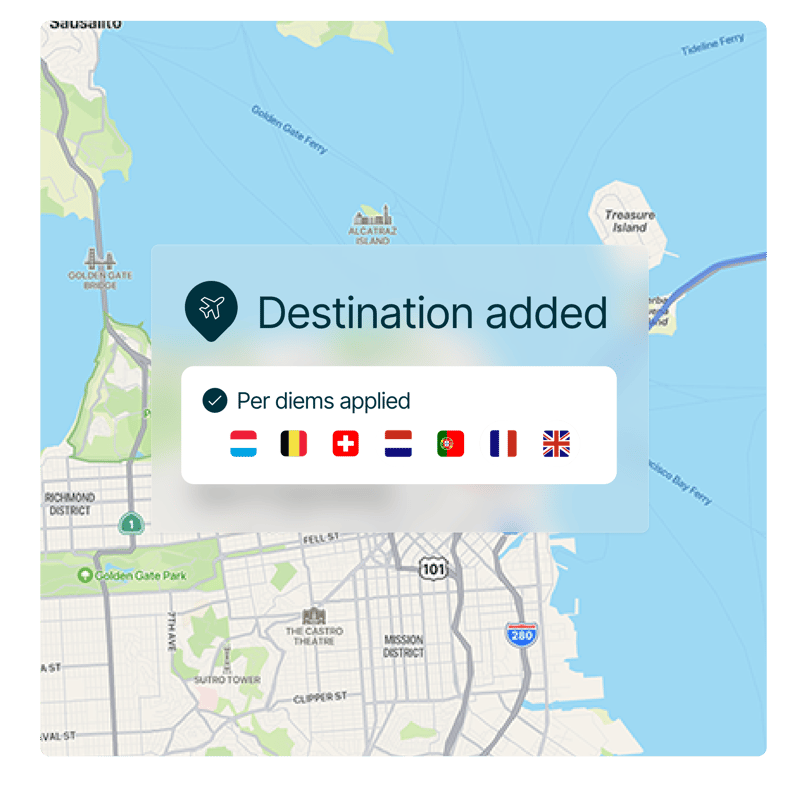
  • Mileage, per diems, and receipts in one mobile-first flow.
    Declaree's AI expense capture lets employees submit trips, allowances, and receipts.

  • Compliance built into your workflows
    Natively built with regional tax, audit, and HR regulations in mind, offering locally compliant configurations.

Great expense management tool? Proven results!

100

Countries served worldwide

Mobilexpense internal data

+5800

Successful projects and implementations

Mobilexpense internal data

95% (1)

of the submitted expenses are required to be manually checked

Panasonic Industry Europe testimonial

Expense management connected with d.velop, Personio, Twinfield, Exact, Datev document management system.

Bring your systems together

Spend less time reconciling and more time making decisions

Whether it’s your ERP, accounting software, HR system or travel provider, our smart integrations keep everything in sync.
Here’s what to expect:

  • Connect your existing tools with minimal IT involvement and no disruptions to daily work.
  • Automatically sync expenses, budgets and employee data across systems.
  • Save time on manual tasks and get clearer insight.

Built to scale across Europe

Standardise approval flows, travel policies, and reimbursement rules across borders

Mobilexpense supports multi-entity operations, local tax rules, and regional compliance – all from one central dashboard.

  • Local and regional compliance for global travel.
  • Multi-entity setup with shared workflows.
  • Cross-border reporting and audit readiness.
  • Scalable infrastructure to grow with your business.
Business employee records hotel and flight expenses in app

Smarter business spending with Mobilexpense cards

Person pays travel costs with company expense card

Take control of company spend

  • Set spend limits per transaction or period.
  • Issue vendor-specific cards for campaigns or events.
  • Block or manage cards instantly.
  • Compatible with Apple Pay and mobile wallets.
  • Automatically enforce policy rules and link to Declaree.

Making global travel expenditure easier for customers

Frequently asked questions

Can travel data (e.g. flight, hotel, car rental bookings) be automatically imported into MXP?

Mobilexpense can automatically capture and import:

  • Flight bookings
  • Hotel reservations
  • Car rental bookings
  • Train tickets (in some setups)

How it works:

There are a few common ways this happens:

  1. Travel management system integration: Mobilexpense can integrate with your company’s travel booking tool or TMC (Travel Management Company). When employees book travel through the approved channels, the data is automatically synced with their expense report.
  2. Email parsing: Emails containing travel booking invoices (e.g., from Booking.com or airline carriers) sent to a designated email address (or the user’s inbox) can automatically be parsed to create draft expenses.
  3. APIs and direct feeds: For enterprise customers, Mobilexpense can receive travel data through APIs from providers such as Amadeus, Cytric, Concur Travel, or Egencia.
How does travel booking work with Mobilexpense?

Redirection to approved travel providers:

Employees are typically redirected to external, pre-approved travel booking platforms (such as Egencia, TravelPerk, or Cytric) via:

  • An SSO (single sign-on) link or embedded booking button
  • The company intranet or travel policy portal
  • A connected integration through the Mobilexpense Marketplace

Once the travel is booked, the details are automatically imported into Mobilexpense for reimbursement, reporting, or CO₂ tracking.

Does the Mobilexpense system allow employees to book travel within the platform, or redirect to approved travel providers?

Mobilexpense does not currently function as a travel booking tool itself. Instead, it integrates with approved travel providers or travel management companies (TMCs) to streamline the process.

How does corporate travel management integrate with an expense solution?

When integrated with an expense solution like Mobilexpense, CTM creates a seamless experience from booking to reimbursement. Here’s how:

1. Automatic itinerary import

Once an employee books through an approved travel tool:

  • Booking data flows into Mobilexpense via API or data feed
  • Expenses are pre-populated with dates, amounts, and vendor info
  • VAT, CO₂, and cost centres may also be added automatically

2. Expense report pre-filling

  • Travel-related expenses appear as draft expense lines
  • Employees can simply add receipts (if needed), make minor edits, and submit
  • No need to retype trip details

3. Compliance and approval workflows

  • Bookings are already policy-compliant from the start
  • Exceptions are flagged during both travel booking and expense submission
  • Managers and finance teams have visibility into the full lifecycle of spend

4. Cost control and sustainability

  • Finance can monitor spend before it happens (pre-trip approval)
  • Sustainability data (e.g. CO₂ emissions) is tracked for ESG reporting
  • Unused bookings or cancellations are easier to reconcile
Is there a way to sync travel itineraries directly with expense reports?

Mobilexpense allows automatic syncing of travel itineraries into users’ expense reports when integrated with supported travel platforms.

This means:

  • Flights, hotels, car rentals, and other booked items can be automatically converted into draft expense entries
  • Itinerary details such as dates, destinations, costs, and vendor names are pre-filled
  • Expense lines are tagged with cost centres, project codes, or policy info if configured

    Note: This depends on the travel booking provider you're integrated with.
What is corporate travel management?

Corporate travel management (CTM) refers to the planning, booking, and oversight of business travel for employees, using specific policies, tools, and service providers to ensure efficiency, cost control, and compliance.

When integrated with an expense management solution like Mobilexpense, CTM becomes a powerful system that streamlines the entire travel-and-expense (T&E) process from start to finish.

Keep exploring

Demo

Get a tailored product walkthrough 

  • A tailored walkthrough built around your company’s workflows and approval setup.

  • Get expert guidance on integrating your ERP, HR, and card systems for a seamless flow.

  • Deliver impact from day one - save time, enforce policies automatically, and scale seamlessly.


Mobilexpense receives a 4.5 star review on G2, Gartner, Capterra and OMR